Request
Purchase Requisitions & Approvals
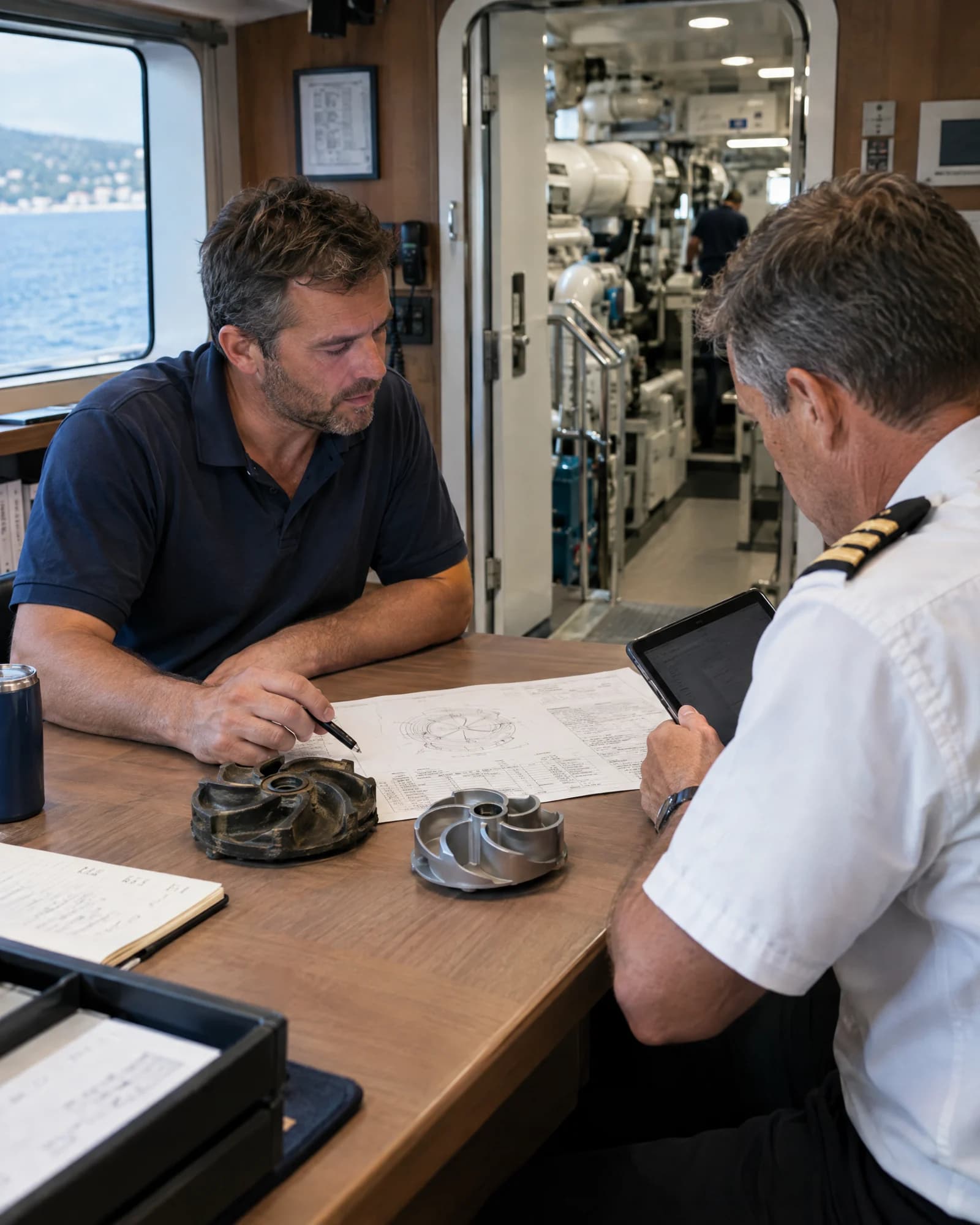
Create purchase requests from onboard, shore-based or technical teams, route them through defined approval workflows and keep every purchasing need visible before spend is committed.

Turn every purchasing need into a controlled, connected workflow — from requisition and supplier sourcing to delivery, cost visibility and performance insight.
A connected operation. Aboard & ashore.
The work behind the vessel.
Connected in Navis.
A closer look at the records, decisions and daily work behind the operation.

Procurement & Supply Management
Coordinate deliveries by vessel, location and schedule, record received goods and services, and track partial deliveries, shortages or outstanding order items.
Explore procurement & supply management
Illustrative 3D model · drag to inspect
From a need onboard to a delivery alongside.
Create purchase requests from onboard, shore-based or technical teams, route them through defined approval workflows and keep every purchasing need visible before spend is committed.

Send RFQs to selected suppliers, collect quotations in one place and manage sourcing activity without scattered emails, spreadsheets or disconnected follow-ups.

Create, issue and track purchase orders with clear status, approvals, supplier commitments and full visibility over ordered items, services and costs.

Coordinate deliveries by vessel, location and schedule, record received goods and services, and track partial deliveries, shortages or outstanding order items.

Maintain supplier records, contacts, private details and performance history while giving vendors a secure space to receive requests, submit quotations and respond to purchase orders.

Store supplier agreements, negotiated price lists and private terms, then apply the right pricing and conditions across vessels, departments and recurring purchases.

Analyse purchasing activity, supplier spend, price trends and order performance to identify savings opportunities and strengthen procurement decisions.
Actual application screens from demonstration workspaces, in light and dark mode. Select a workflow to look closer.

Plan, execute and document every aspect of vessel maintenance — connecting assets, work, defects, spares, costs and long-term projects in one operational system.

Connect vessel operations with financial structure, purchasing, accounting workflows and owner-ready reporting — across every vessel, company and cost centre.

Centralise day-to-day vessel operations, crew administration, planning and critical compliance records in one connected platform.