Skip to content

Built for Captains & crew

The day’s work. Connected.

Keep tasks, certificates, maintenance and handovers connected to the vessel. Give onboard teams the information they need, wherever work happens.

Captains & crew
Captains & crew in the MY Aletheia demonstration workspace — actual application screenshot
Actual app · MY Aletheia · demonstration records · Standard interface
Captains & crew

App capture · demonstration records

One vessel. A connected team.

Keep responsibilities, records and the next action in a shared operational view.

Onboard / ashore

The same operation.
Wherever work happens.

Connect the people on board with the teams supporting them ashore.

Explore mobile access
01

Fleet Overview & Crew Management

Gain a real-time view of your fleet while managing crew profiles, roles, assignments, qualifications and key documentation — all connected to each vessel in one central workspace.

Explore Fleet Overview & Crew Management
02

Department Management

Structure onboard and shore-based departments, define responsibilities and give every team the clarity to coordinate daily operations efficiently.

Explore Department Management
03

Class & Survey Management

Track class requirements, survey schedules, due dates and follow-up actions to keep vessels prepared for inspections and critical milestones.

Explore Class & Survey Management
04

Readings, Condition Monitoring & Defects

Capture meter readings, monitor asset condition and report defects in real time — helping technical teams identify issues, prioritise actions and maintain a clear maintenance history.

Explore Readings, Condition Monitoring & Defects

Ready for the
next watch.

Work, rest and safety records stay with the vessel as responsibilities change.

Planned work / THE DAY ON BOARD

Maintenance Planning & Work Orders

Schedule preventive and corrective maintenance, assign work, track progress and retain a complete record of every task and work order.

Explore Maintenance Planning & Work Orders
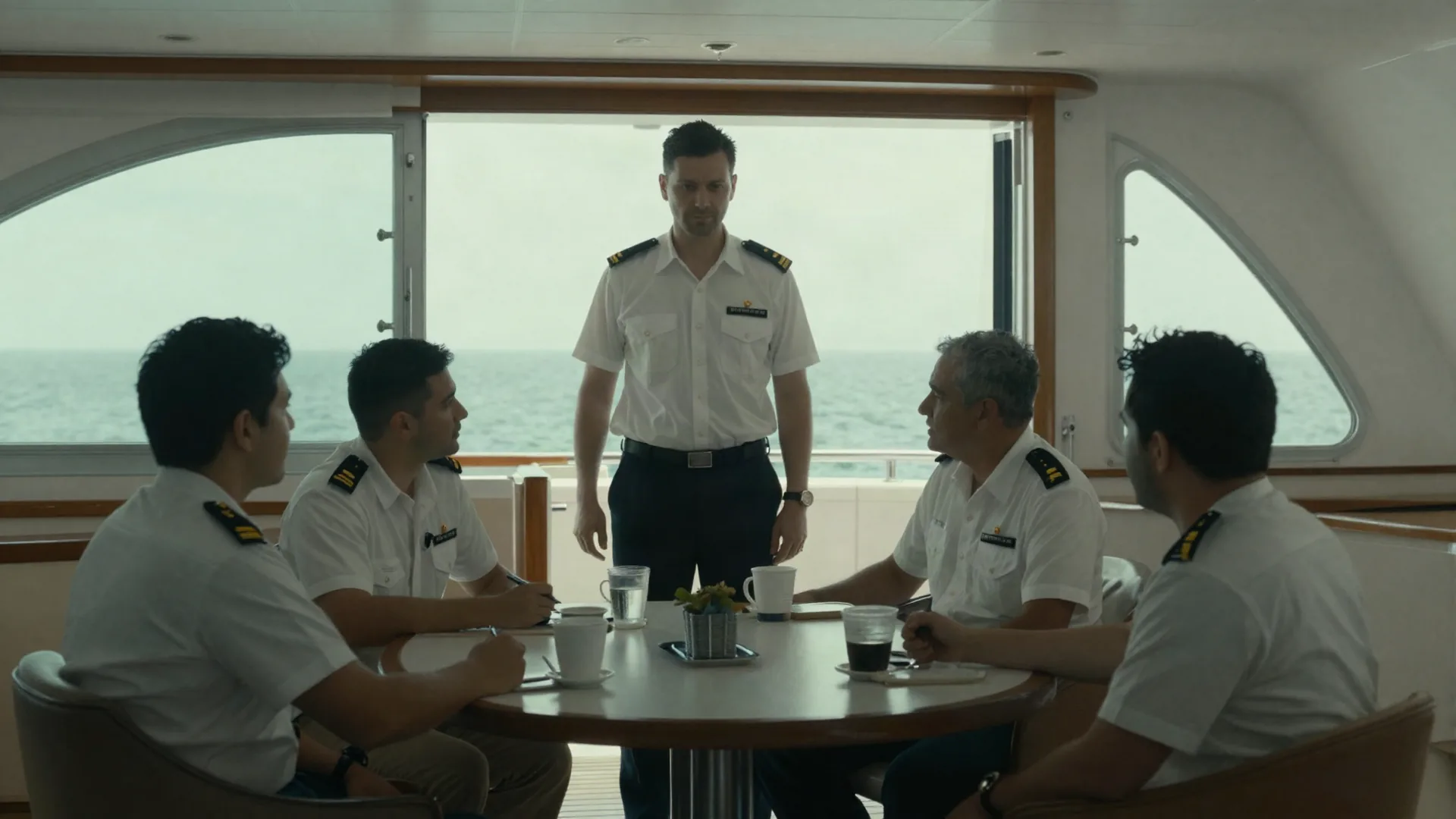
Crew reviewing the day’s work together
Work & rest / THE DAY ON BOARD

Rest Hours Management

Record, monitor and review crew work and rest hours with clear visibility of exceptions, helping teams maintain accurate operational records.

Explore Rest Hours Management
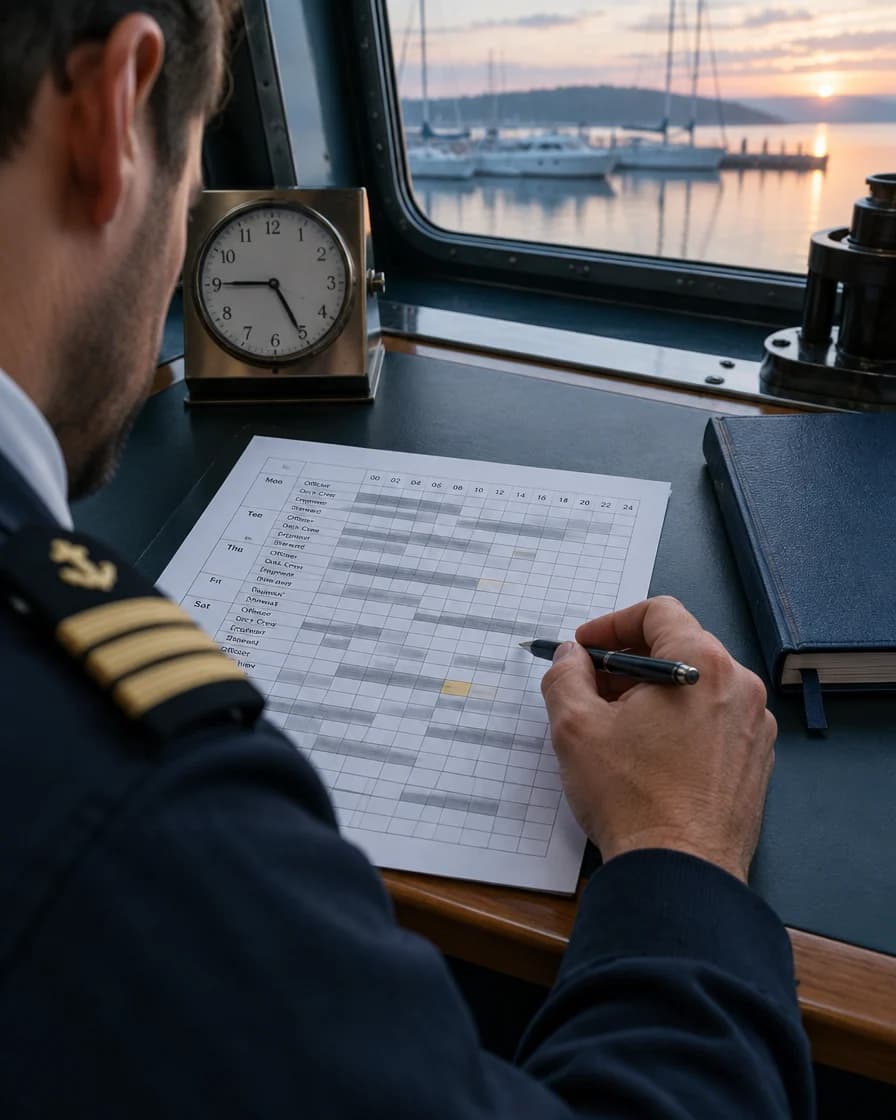
Crew reviewing work and rest records
Safety records / THE DAY ON BOARD

Drills, Training & Competency

Plan, record and review drills, training activities and competency evidence, helping crew and shore teams stay prepared for routine and emergency operations.

Explore Drills, Training & Competency
Crew working on a yacht foredeck

Connected teams, wherever the work happens.

Structured Handovers

Standardise handovers between crew changes, shifts, vessels and office teams — so priorities, open actions, documents and operational context do not get lost.

Mobile Access for Crew & Owners

Fleet Overview & Crew Management

Gain a real-time view of your fleet while managing crew profiles, roles, assignments, qualifications and key documentation — all connected to each vessel in one central workspace.

Rest Hours Management

Record, monitor and review crew work and rest hours with clear visibility of exceptions, helping teams maintain accurate operational records.

Department Management

Structure onboard and shore-based departments, define responsibilities and give every team the clarity to coordinate daily operations efficiently.

Explore the working screens.

Actual application screens from demonstration workspaces, in light and dark mode. Select a workflow to look closer.

Maintenance priorities
Maintenance priorities in the MY Aletheia demonstration workspace — actual application screenshot
Actual app · MY Aletheia · demonstration records · Standard interface
Maintenance priorities

App capture · demonstration records